
LoDi-Con manual
Setting up command stations
The LoDi-Con can be connected to several network-capable command stations at once.
If you have, say, a LoDi-Rektor and a LoDi-Shift-Commander, it can talk to both — and setting that up is very simple.
To find out how to bring your command station in, click the matching picture.
LoDi-Rektor
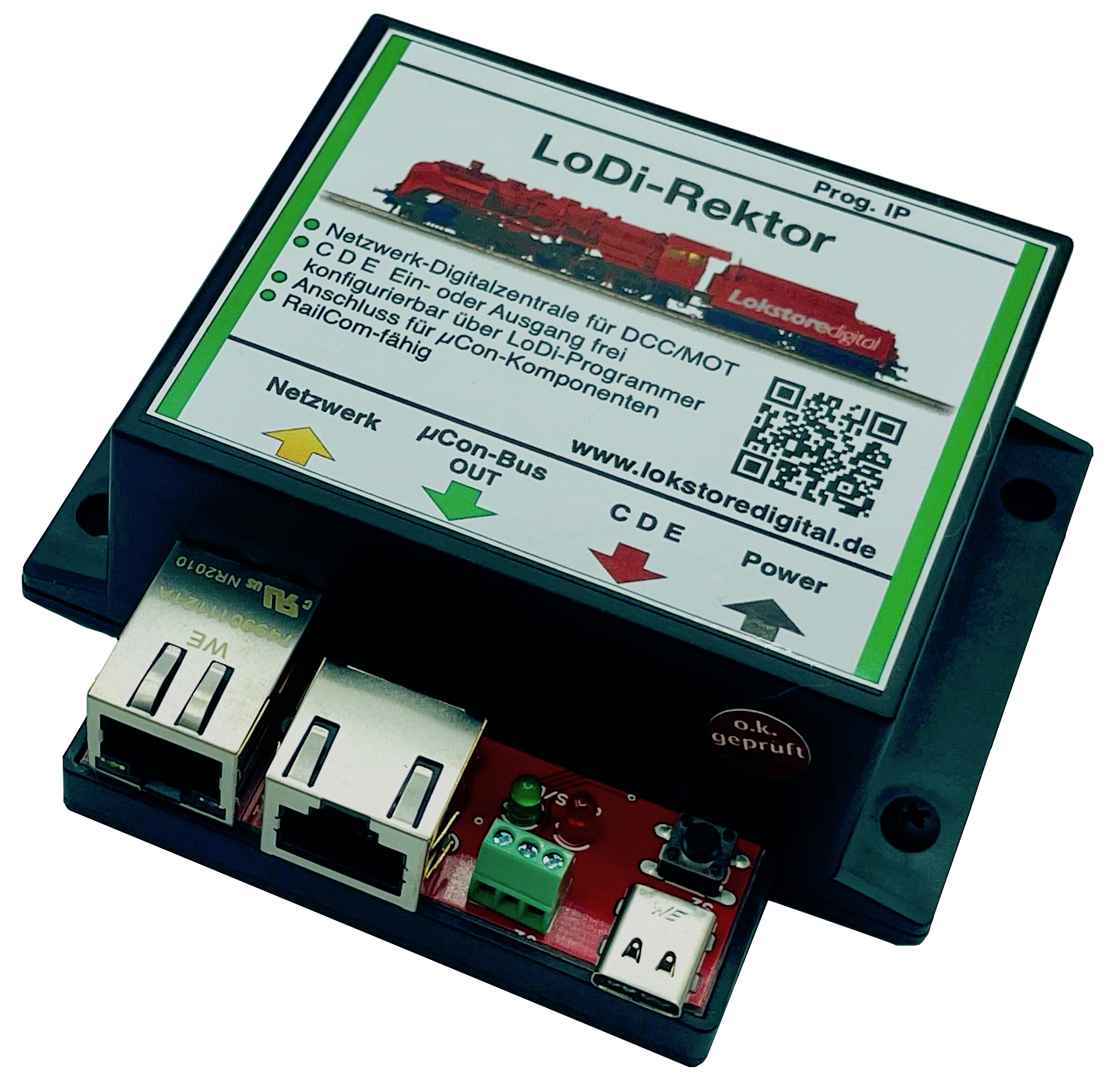
LoDi-S88-Commander and (LX)
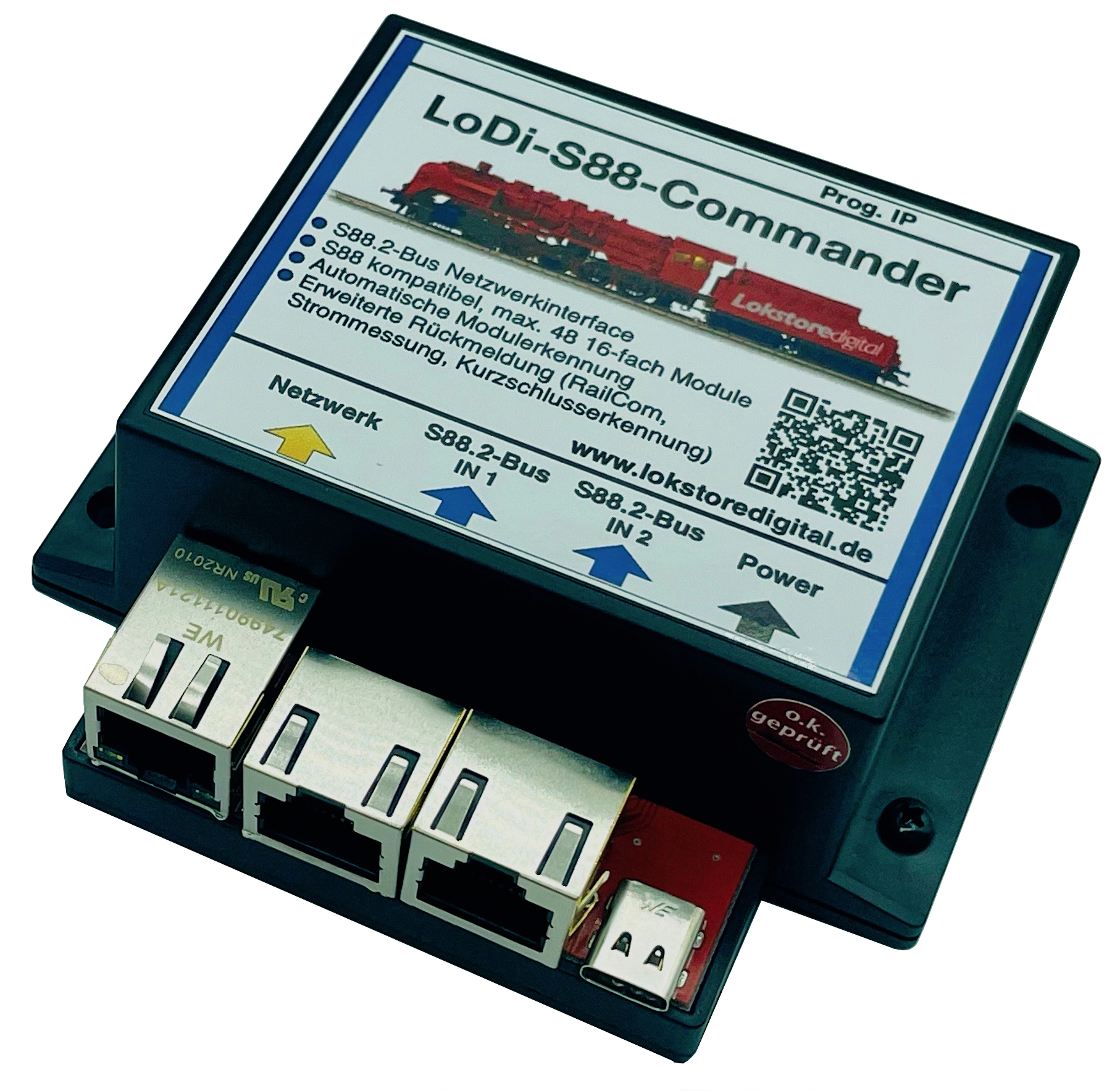
LoDi-Shift-Commander
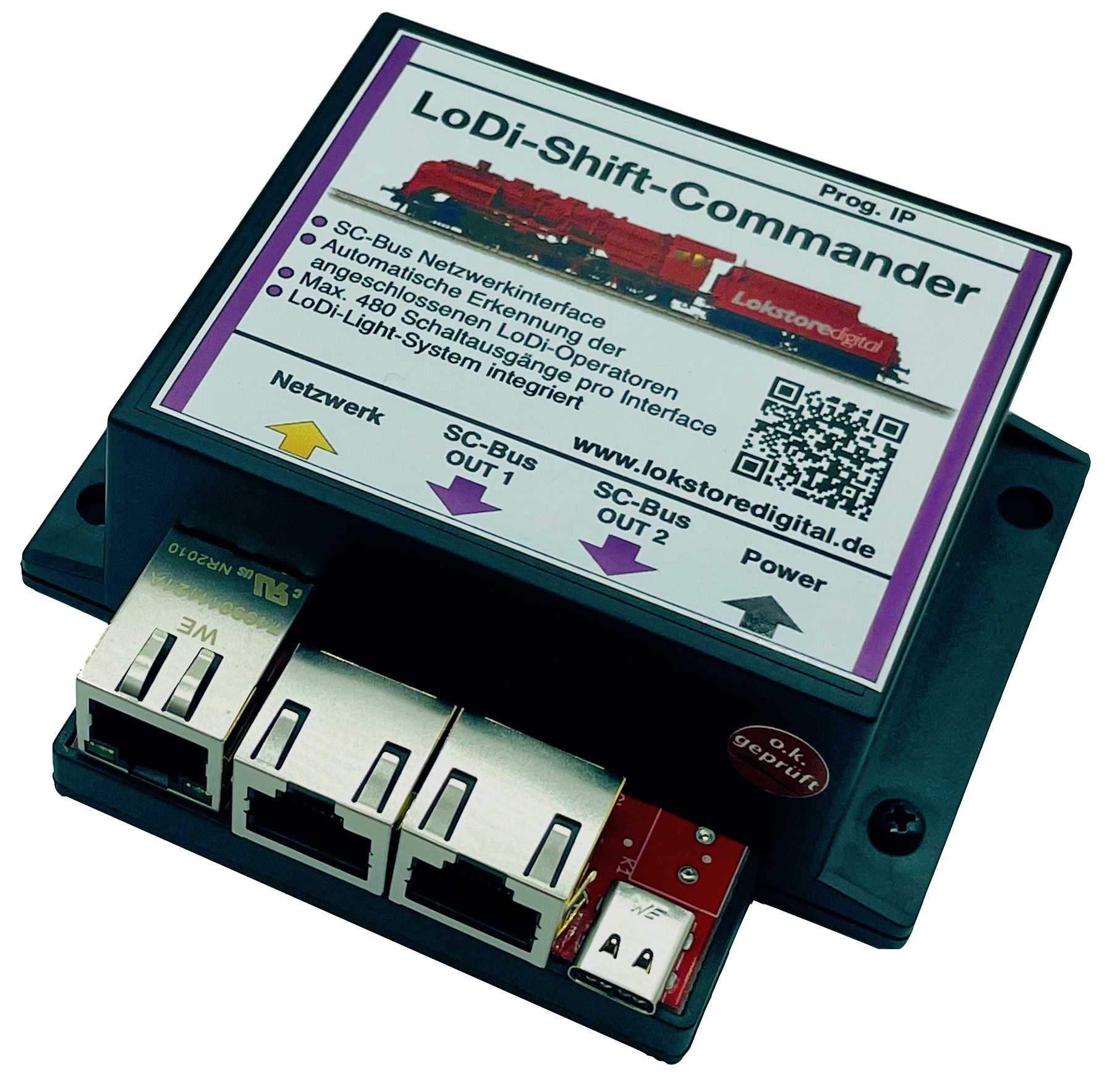
Z21 protocol
and every command station that supports the Z21 protocol

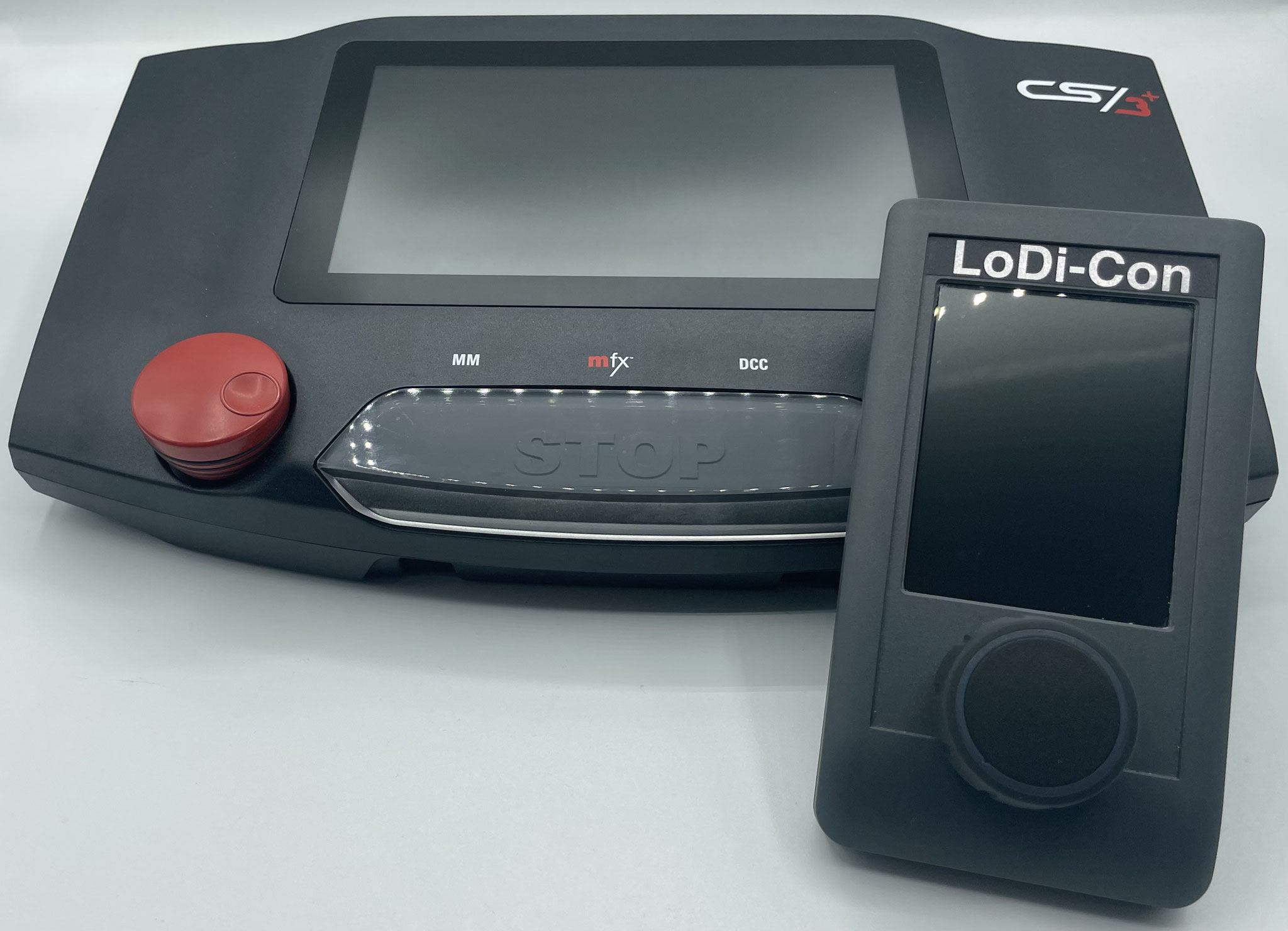
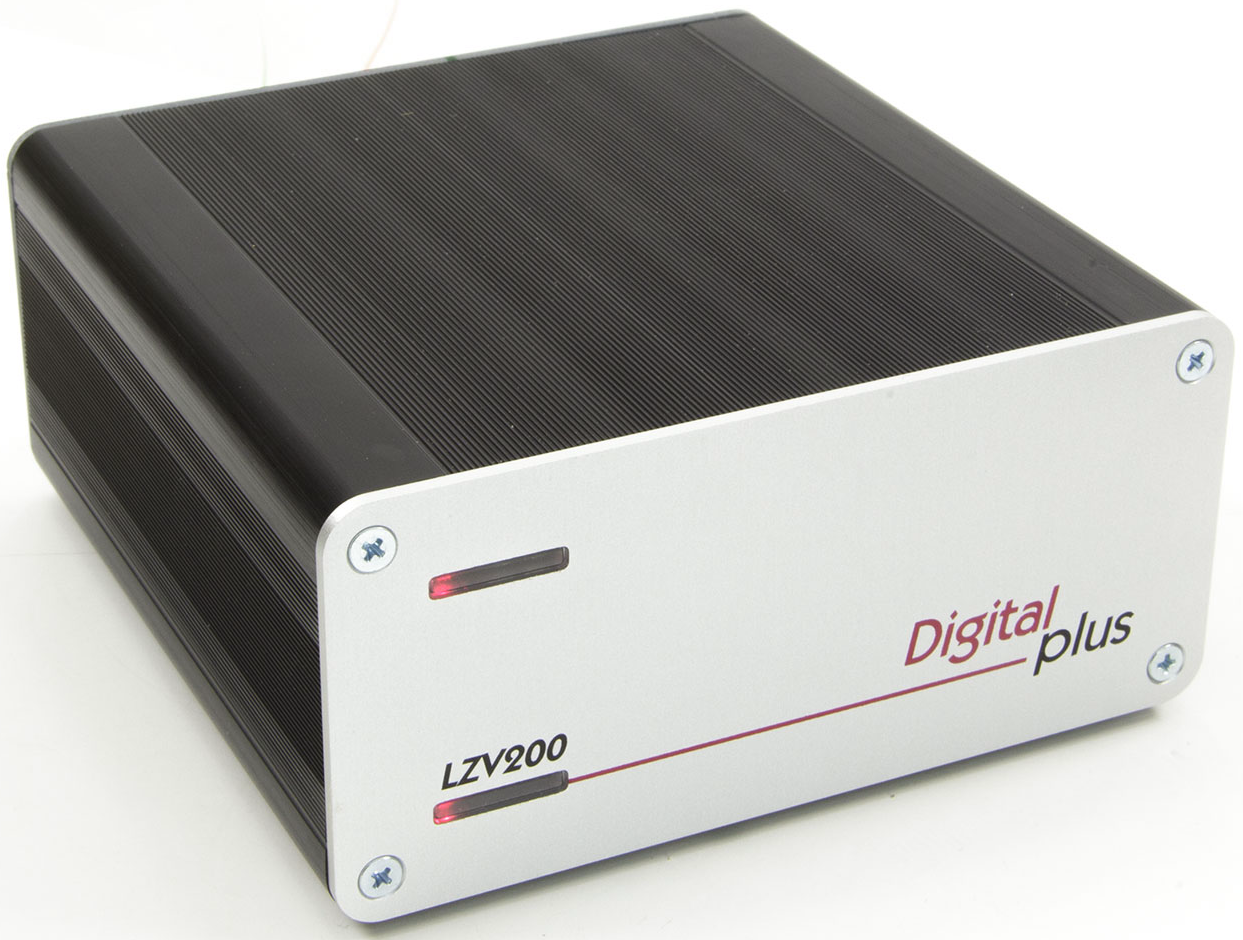
Lenz command station with LAN interface
WiThrottle

WiThrottle
Some descriptions are still being written, as is the development of the command stations and control solutions described below.
LocoNet
LocoNet
LocoNet

In this section
- LoDi-Rektor
Setting the LoDi-Rektor up as a command station in the LoDi-Con.
- LoDi-Shift-Commander
Setting the LoDi-Shift-Commander up in the LoDi-Con.
- LoDi-S88-Commander LX
Setting the LoDi-S88-Commander LX up in the LoDi-Con.
- Stations using the Z21 protocol
Setting up the Roco z21 and other stations speaking the Z21 protocol.
- Märklin CS2 and CS3
Setting up the Central Station 2 and 3 in the LoDi-Con.
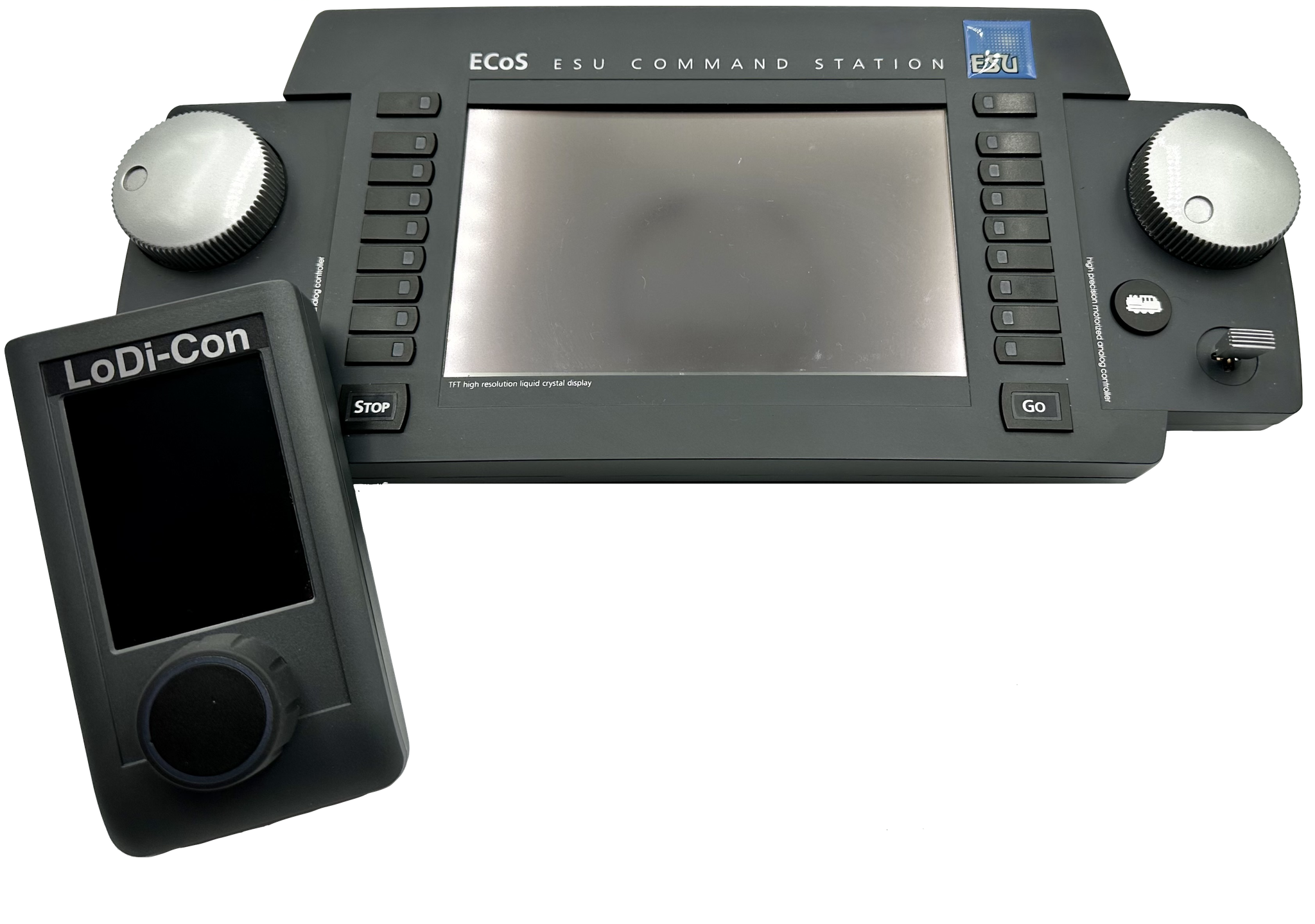
- ESU ECoS
Setting up the ECoS in the LoDi-Con.
- Lenz with LAN interface
Setting up the Lenz command station with LAN interface in the LoDi-Con.