
LoDi-Con manual
The LoDi-Con B
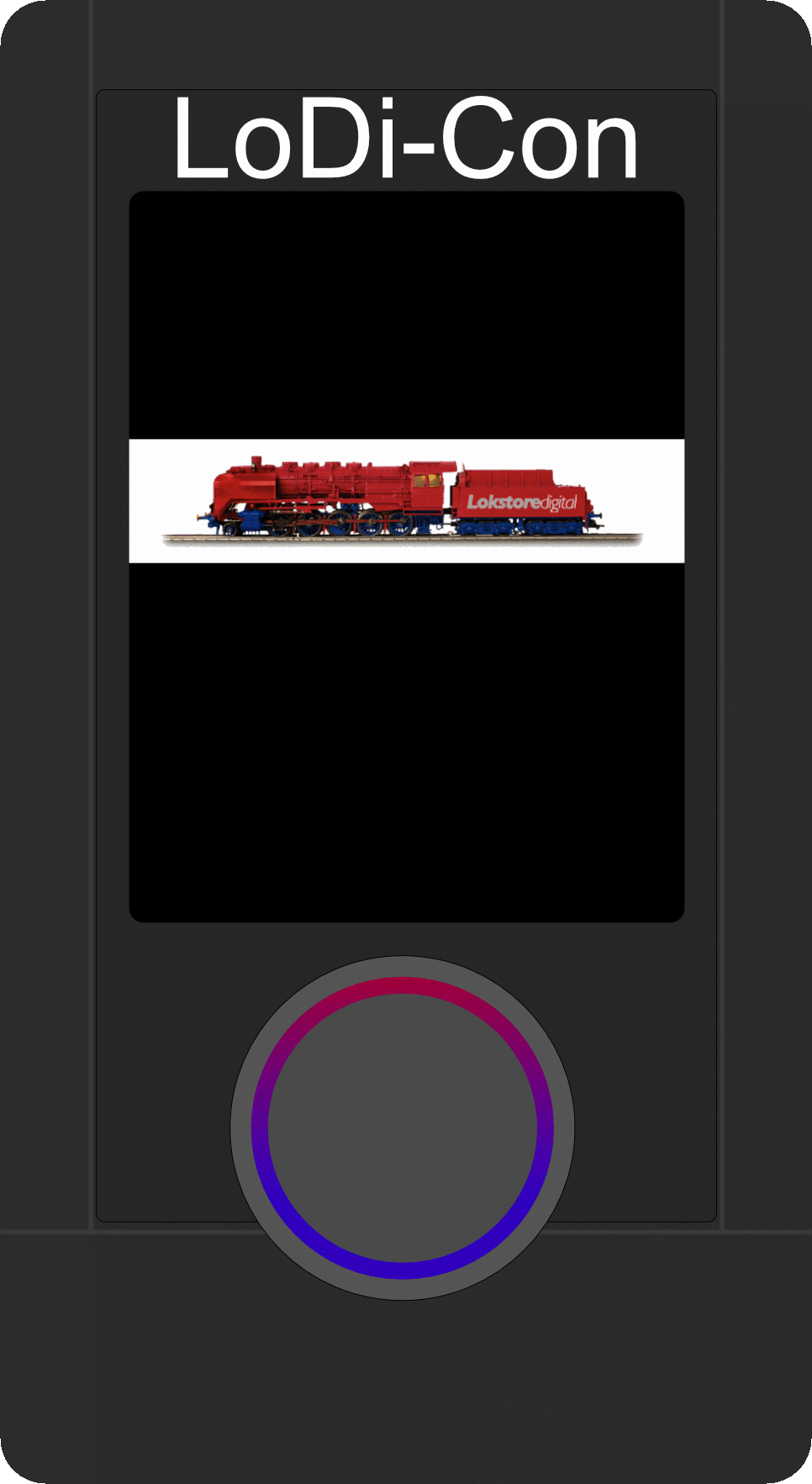
The LoDi-Con in the battery variant
The LoDi-Con in the battery variant ships without batteries; it needs 3 AAA alkaline batteries, or rechargeable NiMH or lithium-ion cells, to work.
How to fit them into the LoDi-Con B is explained in the next steps.
1. Fitting the batteries into the LoDi-Con B
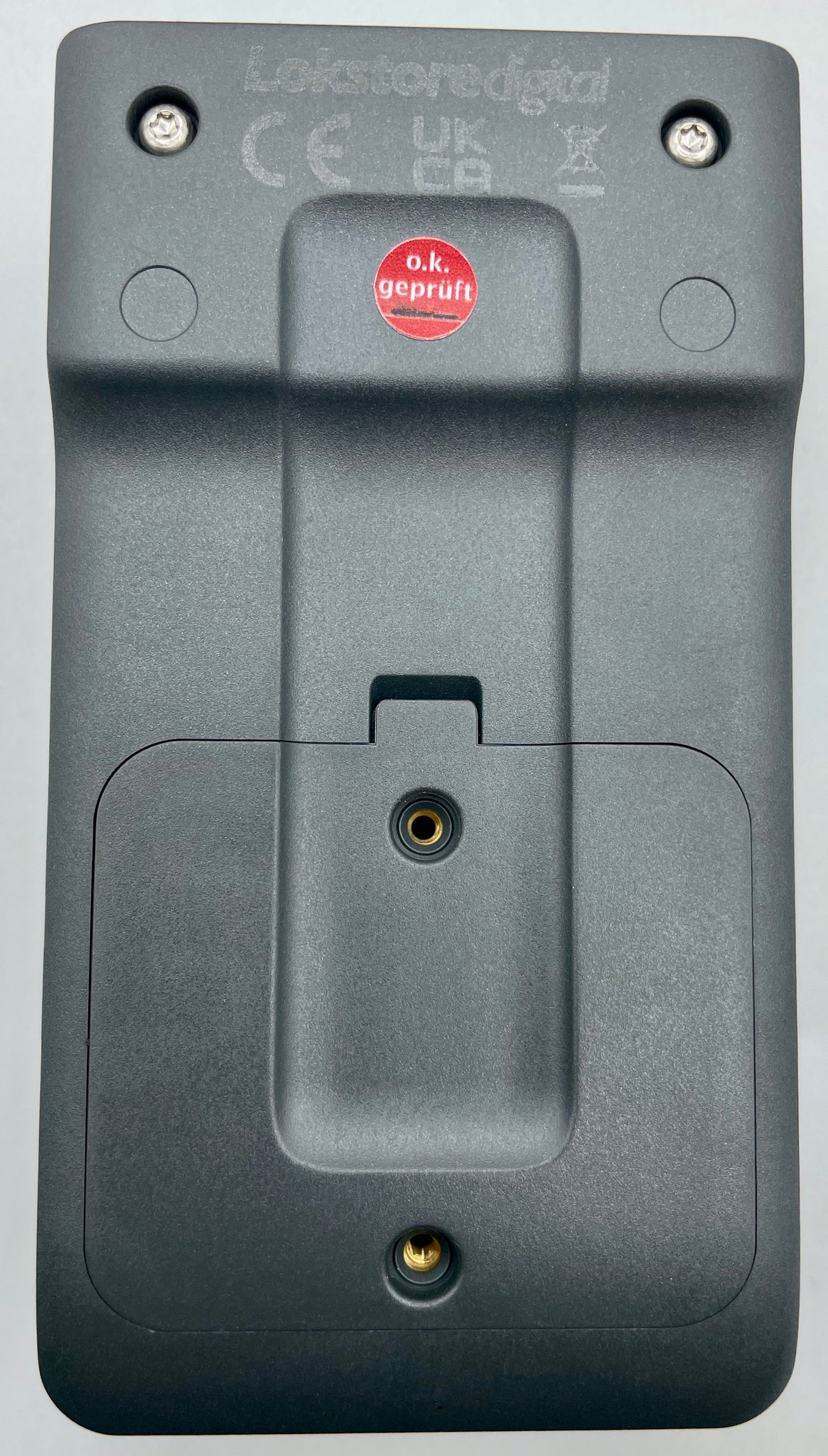
Start by placing the device face down on a safe surface.
On the back of the LoDi-Con B there is a flap over the battery compartment; open it.
If the compartment will not come open, an old bank card or something similar will help.
Once the lid is open, you will find the two screws inside the compartment that fix it in place. The lid holds perfectly well without them, so judge for yourself whether they need to go in.

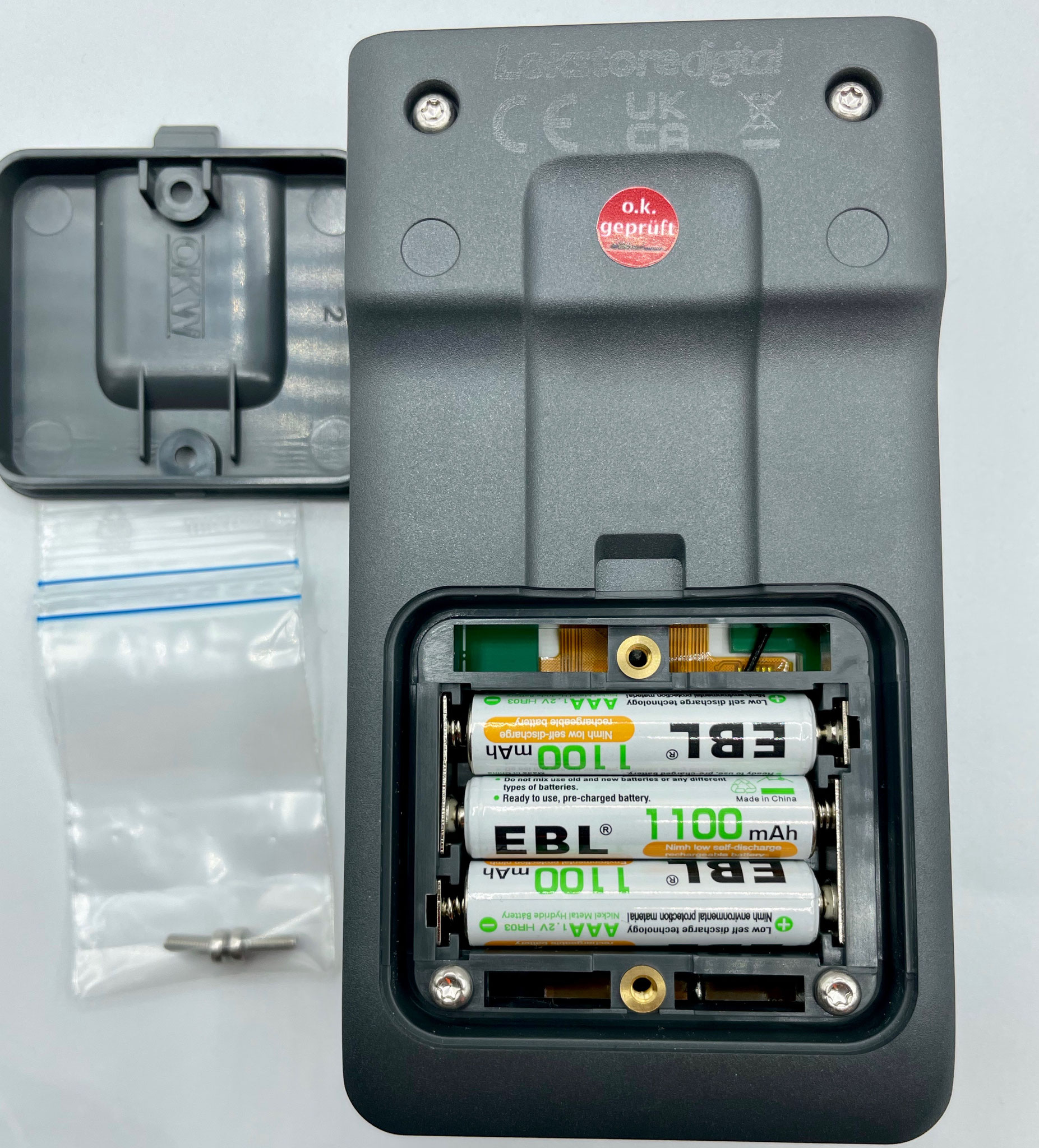
Now put the batteries into the LoDi-Con;
+ and − are marked inside the device.
We tested several kinds of battery and rechargeable cell beforehand, and we do not want to keep the results from you. The tests were run with the display at 100% brightness and sleep mode disabled.
- Alkaline batteries last about 5-6 hours in continuous use
- Rechargeable NiMH cells last between 4-5 hours
- LiPo AAA cells last 3-4 hours
You can now switch the LoDi-Con on with the rotary control, which has to be held for 2 seconds.
3. Properties of the LoDi-Con B in LoDi-OS (setting the battery type)
Depending on which batteries or rechargeable cells you use, the LoDi-Con has to know the type in order to show a reliable state of charge.
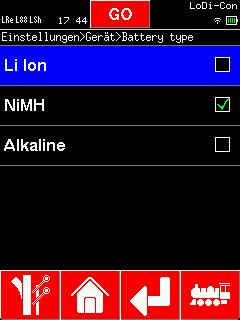
You can change this setting under:
Settings > Device > Battery type >
Several options are offered there:
- Li-ion
- NiMH
- Alkaline
Choose the type of battery or cell you have fitted.

Would you like to see the quality of the devices for yourself?
Get in touch with us HERE!
Visit our forum, where experienced users are happy to help you.