
Software
LoDi-S88-Commander LX
Settings and firmware update
The LoDi-S88-Commander LX is the link between the feedback modules and the model railway software. Like the LoDi-Rektor or the LoDi-Shift-Commander, it was developed for the highest efficiency in use. Thanks to today's 32-bit dual-core processor it is more powerful than ever.
The LoDi-S88-Commander LX serves two S88.2 buses, each of which can be fitted with 48 16-way feedback modules. It is fully backwards compatible with the previous S88 and S88N.
All devices belonging to the LoDi-S88-Commander LX are marked in blue. That principle is applied in the device tree as well.
This information page applies to the S88-Commander and the S88-Commander LX.
1. The overview
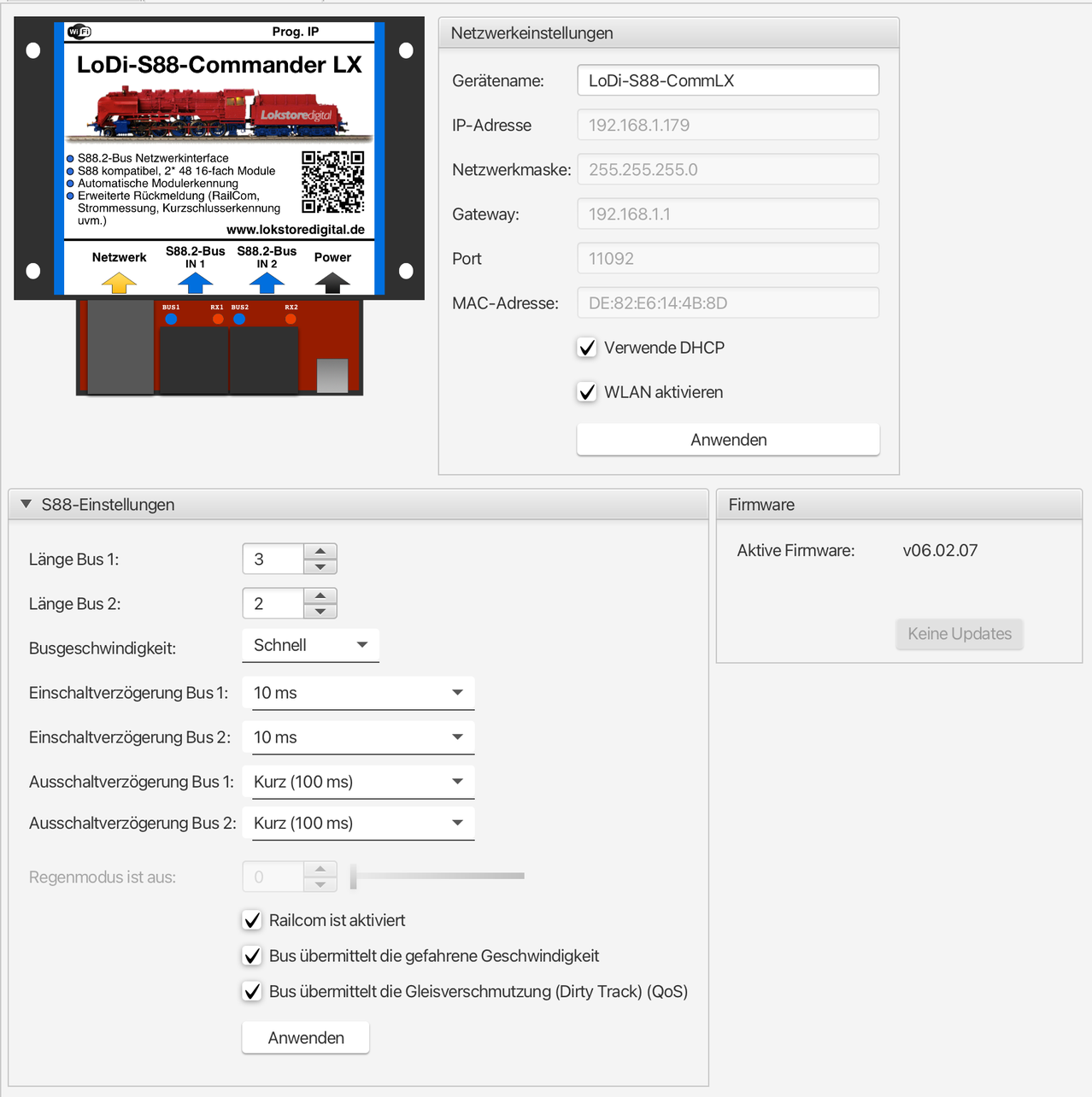
The device editor of the LoDi-S88-Commander LX contains the following areas:
- S88 settings: determines the behaviour of the S88 bus and of the occupancy messages; beyond that, with a LoDi-8-GBM-P connected, the rain mode can be enabled here as well as QoS or the speeds run.
- Network settings: setting the IP address, using DHCP, enabling Wi-Fi.
- Firmware: updating the LoDi-S88-Commander LX's firmware
Network settings
See the network settings in the section Commissioning LoDi devices.
2. The device editor
S88 settings
- Bus configuration: determines the behaviour of the S88 bus. The following settings are possible:
- Merge buses 1 and 2 by address: the two S88 bus connections are shown as one bus. The LoDi-S88-Commander proceeds as follows:
- The addresses of the LoDi feedback modules are used.
- All other feedback modules get their S88 address from their order on the bus. The addresses of all the modules on bus 1 are assigned first, then those of all the modules on bus 2.
- Separate buses 1 and 2: the two buses are shown separately and there are no changes to the addresses.
- (Only on old versions of the LoDi-S88-Commander) µCon S88-Master compatibility mode: in this mode the LoDi-S88-Commander behaves like the µCon S88-Master from LSdigital. This mode allows the LoDi-S88-Commander to be run with older model railway control software.
- Fast: the highest speed
- Normal: the speed defined by the S88 standard
- Slow: slower than the S88 standard
- None: the occupancy message is passed on immediately
- Short (100 ms): the occupancy message has to be active for 100 ms before it is passed on.
- Medium (1 s): the occupancy message has to be active for 1 s before it is passed on.
- Long (2.5 s): the occupancy message has to be active for 2.5 s before it is passed on.
All settings are applied by pressing the "Anwenden" button. The device then restarts.
3. The device tree
The LoDi-S88-Commander LX collects the signals from the occupancy detectors and passes them on to the model railway control software.
All devices belonging to the LoDi-S88-Commander LX are marked in blue. That principle is applied in the device tree as well.
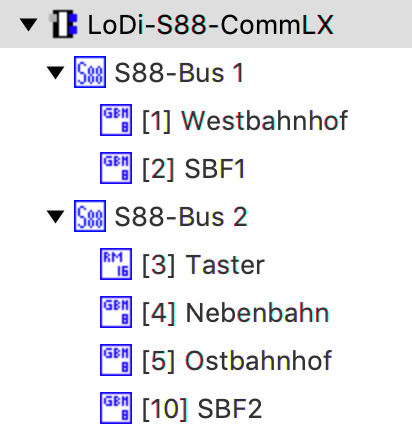
The LoDi-S88-Commander LX is shown in the device tree as follows:
- LoDi-S88-Commander LX: this is where the LoDi-S88-Commander LX's device and network settings live
- S88 bus: the S88 bus serves the connected occupancy detectors.
- The context menu contains the item "Module Suchen". It lets the S88 bus be scanned for new devices.
- Occupancy detectors: below the S88 bus, the occupancy detectors found are shown in address order.
To open the settings for a device, bus 1 or bus 2, it is enough to click the corresponding entry in the device tree. The corresponding dialogue opens in the main area.
To get an overview of which device is behind which entry, you can hold the mouse over the entry in the device tree for a few seconds. The device is then shown with its picture as a tooltip.
4. The S88.2 bus
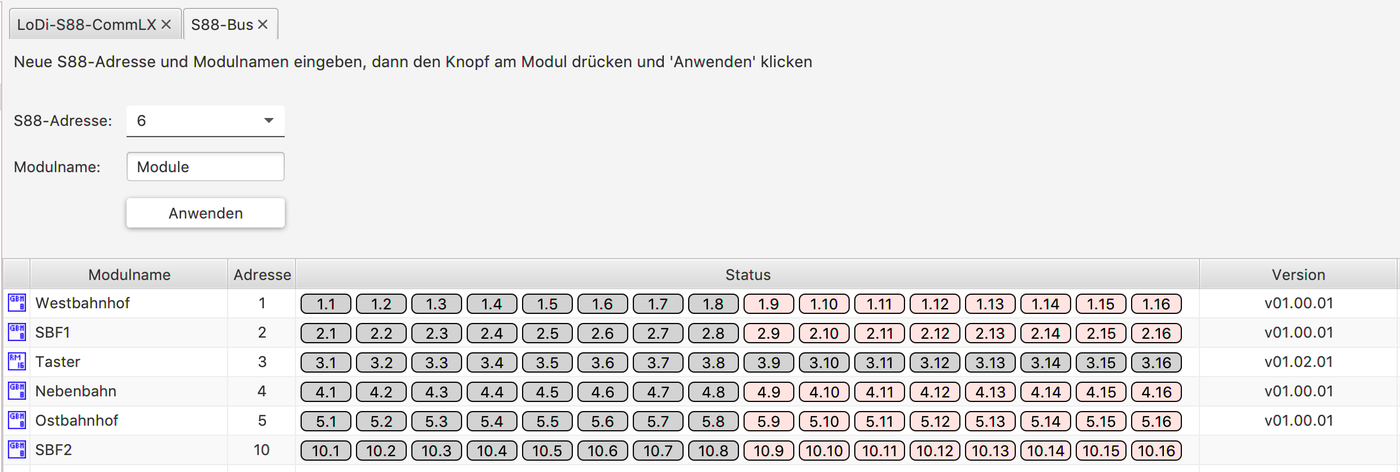
The S88.2 bus dialogue shows all the devices connected to the S88.2 bus. It is divided into two areas:
- The upper area serves to programme the S88.2 address and the module name of LoDi feedback modules.
- In the lower area the modules found on the S88.2 bus are shown in a table.
- Module name: the name assigned to the occupancy detector
- Address: the occupancy detector's current address
- Status: shows the status of all the occupancy detector's channels. On a LoDi-8-GBM occupancy detector, the upper 8 short-circuit reporting channels are shown in red so they can be told apart more easily.
The S88.2 bus dialogue lets you change the S88.2 addresses of the connected LoDi occupancy detectors. Proceed as follows:
- Enter an S88.2 address and a module name. The module name may be 16 characters long.
- Press the "Prog." button on the LoDi occupancy detector to be programmed for at least 3 seconds. The current address is shown flashing in the LoDi occupancy detector's display.
- Now press the "Anwenden" button.
A version number is also shown for every module. Every module has its own firmware version shown. If an update is available, that is shown in the overview as well.
5. Firmware update
From the LoDi-ProgrammerFX 2025.01 onwards there is an online updater for the devices' firmware. We show you here how to install firmware.
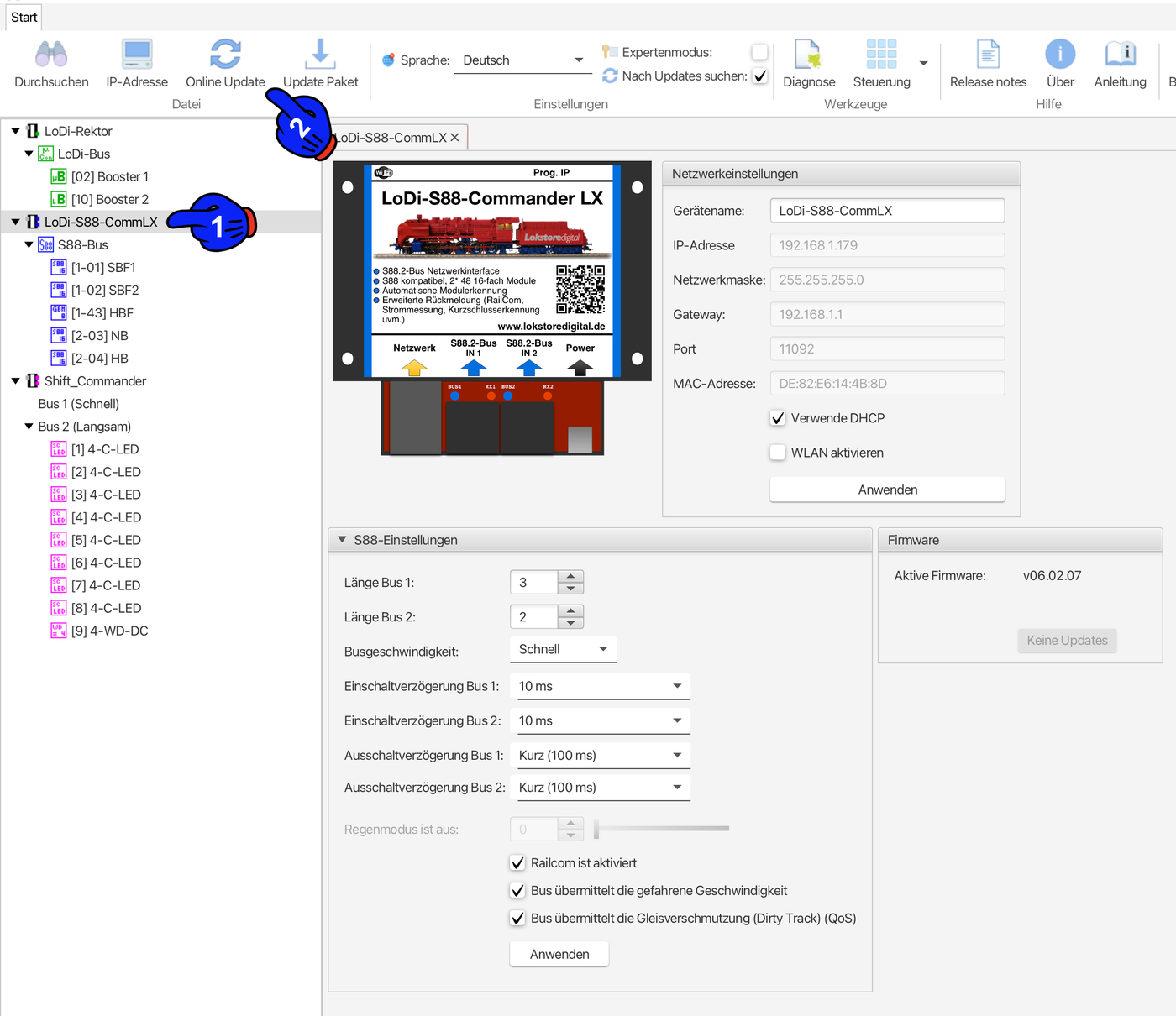
First click the device that is to be updated, in this case the LoDi-S88-Commander LX (1). A new menu item now appears in the bar at the top: "Online-Update".
The update dialogue opens and the server automatically searches for available updates.
Then select the newest version shown (3) and click Install update (4). In the next dialogue the currently installed version and the version to be installed are shown to you once more.
Confirm the process by clicking OK to start the update. Once the update is finished, the device restarts automatically. If the current version is already installed, the LoDi-ProgrammerFX will say so.
6. Resetting the device
The LoDi-S88-Commander LX can be reset to its factory settings if, for instance, the IP address has been changed and DHCP is disabled in the device. Or if you generally want to put the device back into its as-delivered state, that is possible with the Prog. IP button. Press the button for 11 seconds; the device restarts and is then in its as-delivered state.
7. Occupancy detectors
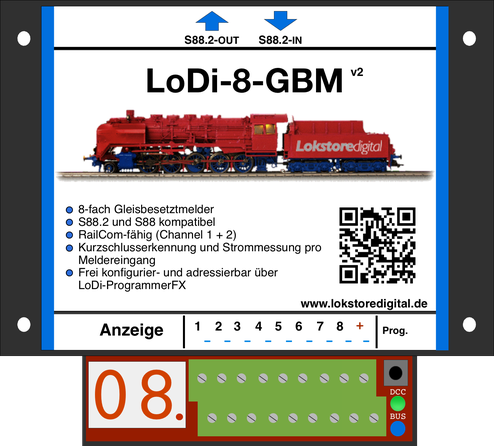
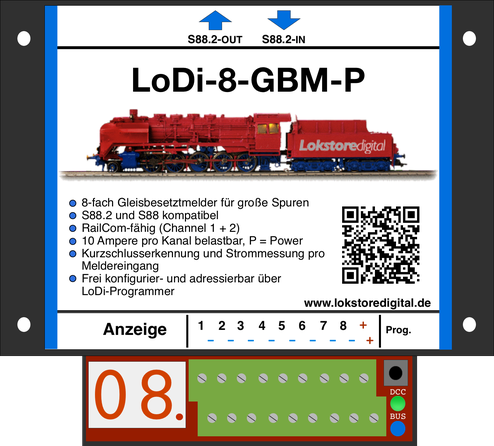
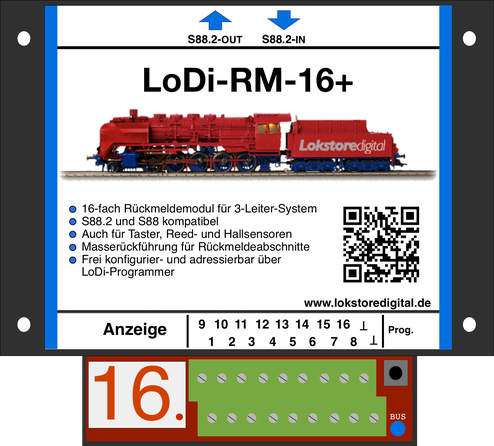
See LoDi-8-GBM, LoDi-8-GBM-P and LoDi-RM-16+.

Any questions still open?
Would you simply like to ask us in person?
Or go to our forum, where experienced users are glad to help you further.
In this section
- LoDi-8-GBM(-P) (v2)
The [LoDi-8-GBM v2](docs:lodi-8-gbm) and the [LoDi-8-GBM-P (v2](docs:lodi-8-gbm-p)) are RailCom-capable two- and three-rail feedback modules. They have 8 channels, shown as 8 occupancy detectors and 8 short-circuit detectors. Every channel can be given its own name of up to 16 characters.
- LoDi-RM-16+ v2
The [LoDi-RM-16+ v2](docs:lodi-rm-16) is a three-rail occupancy detector which can however also be used for reed contacts, Hall sensors or as button actions. The module and each of the 16 channels can be given a name of up to 16 characters.