
LoDi-Con manual
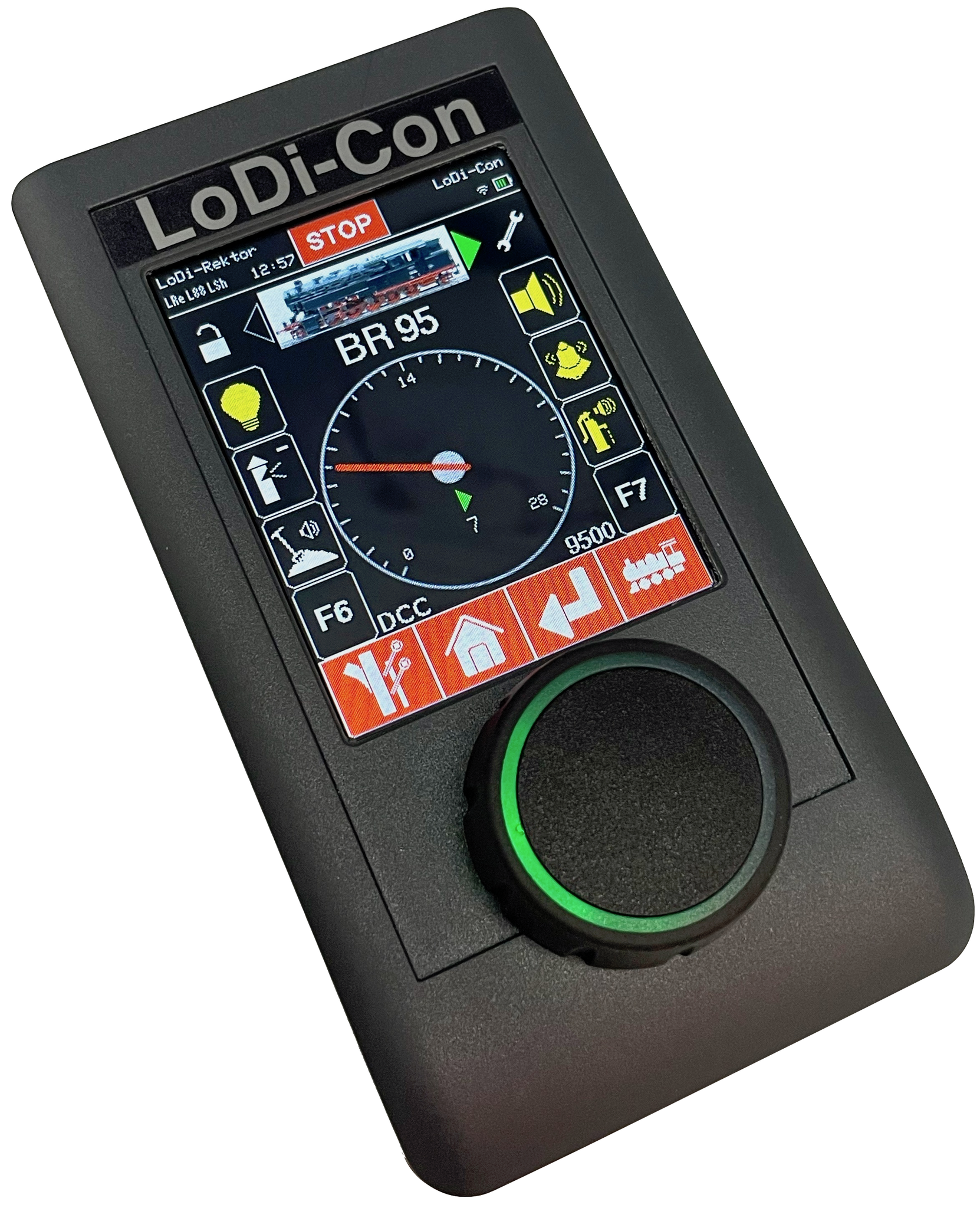
Long awaited – finally released:
The LoDi-Con
– born to make dreams come true!
For years we have been asked when we would bring out a handheld controller. After months of intensive and carefully considered development work, we can finally present our LoDi-Con.
The handheld controller from Lokstoredigital

The model railway market teems with command stations, bus systems, protocols and operating philosophies, each wanting to be handled its own way. All the modeller really wants is to run their trains without trouble. That is exactly where the LoDi-Con comes in:
Thanks to its strong Wi-Fi antenna the LoDi-Con can talk to and control every common command station. Which protocol is used matters less than one thing: the station has to be reachable at an IP address on the network.
Drive your locomotives comfortably from the control.
Throw whole turnout streets at the push of a button.
Play, or do whatever you like – the LoDi-Con takes care of the details.
What the LoDi-Con does
- Effortless operation through a capacitive touch screen and an incremental rotary knob
- Visual feedback through the rotary knob for speed steps, short circuits and much more
- Full integration of the LoDi components
- Connections to several command stations at once over Wi-Fi
- Driving locomotives and managing them in a locomotive database
- Showing your own locomotive images
- Double and multiple traction
- Throwing turnouts, signals and turnout streets
- Model time display
- CV programming in plain language, on the programming track and on the main (PoM)
- Feedback monitor
- Locking functions behind a password
- Up to 68 locomotive functions
- Club mode
- Integration into the LoDi-ProgrammerFX
Supported command stations and protocols
Since the LoDi-Con has Wi-Fi and slots into your home network effortlessly — or even talks to command stations directly where they have a Wi-Fi module of their own — there are plenty of ways to bring it in. You can be connected to up to five command stations at the same time.
A number of common protocols are available already, and we work on supporting more manufacturers every day.
So far the following devices can be connected to the LoDi-Con:
- LoDi-Rektor
- LoDi-Shift-Commander
- LoDi-S88-Commander
- z21 and every command station that supports the Z21 protocol
- Märklin CS2/3
- XpressNet
- ESU ECoS
- WiThrottle
- LocoNet (in preparation)
The LoDi-Con can already communicate with a great many model railway control software products.
We continue to work closely with the manufacturers so that we can build even more functionality into the LoDi-Con.
The operating concept
The operating concept of the LoDi-Con is kept simple. We tried to put as little as possible, and as much as necessary, onto the device. LoDi-OS came out of that.
The LoDi-Con itself has a high-quality capacitive touch display.
Clear menu structures and simple operation were one of our goals. The touch display is supported by a rotary control that is a pleasure to use and even signals different actions through LED feedback — the current speed step, among other things, is shown by the LEDs in the knob.
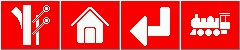
Always quickly where you want to be…
The menu bar takes you straight to the individual areas:
- Throwing turnouts and routes
- Home menu
- Back button
- Locomotive overview / direct control

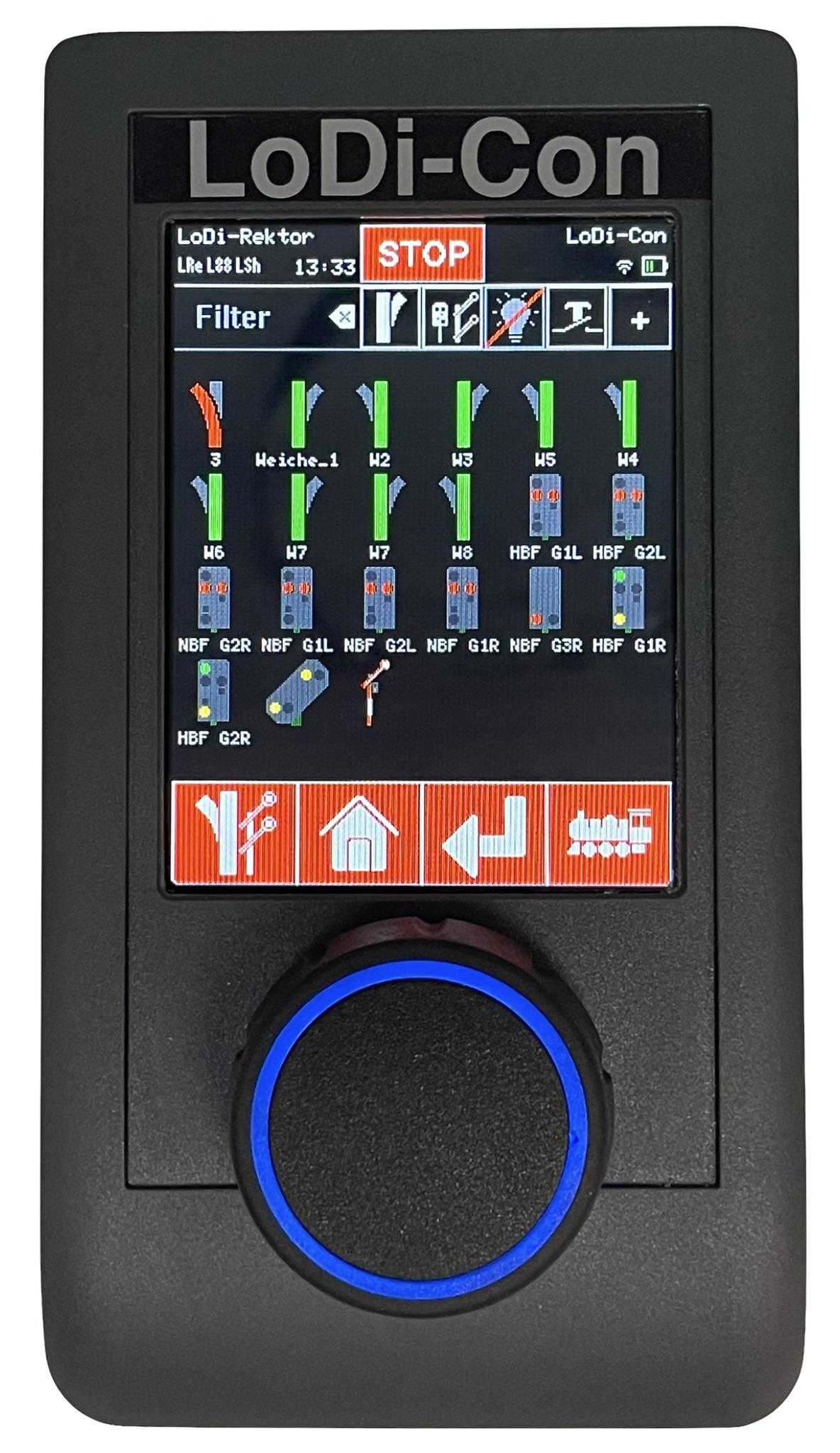
Everything at a glance, thanks to the filter in the locomotive and accessory overview.
Since the screen would fill up quickly and the sheer number of objects would make the right one hard to find, we built in a small pre-selection filter.
A text search is possible as well.

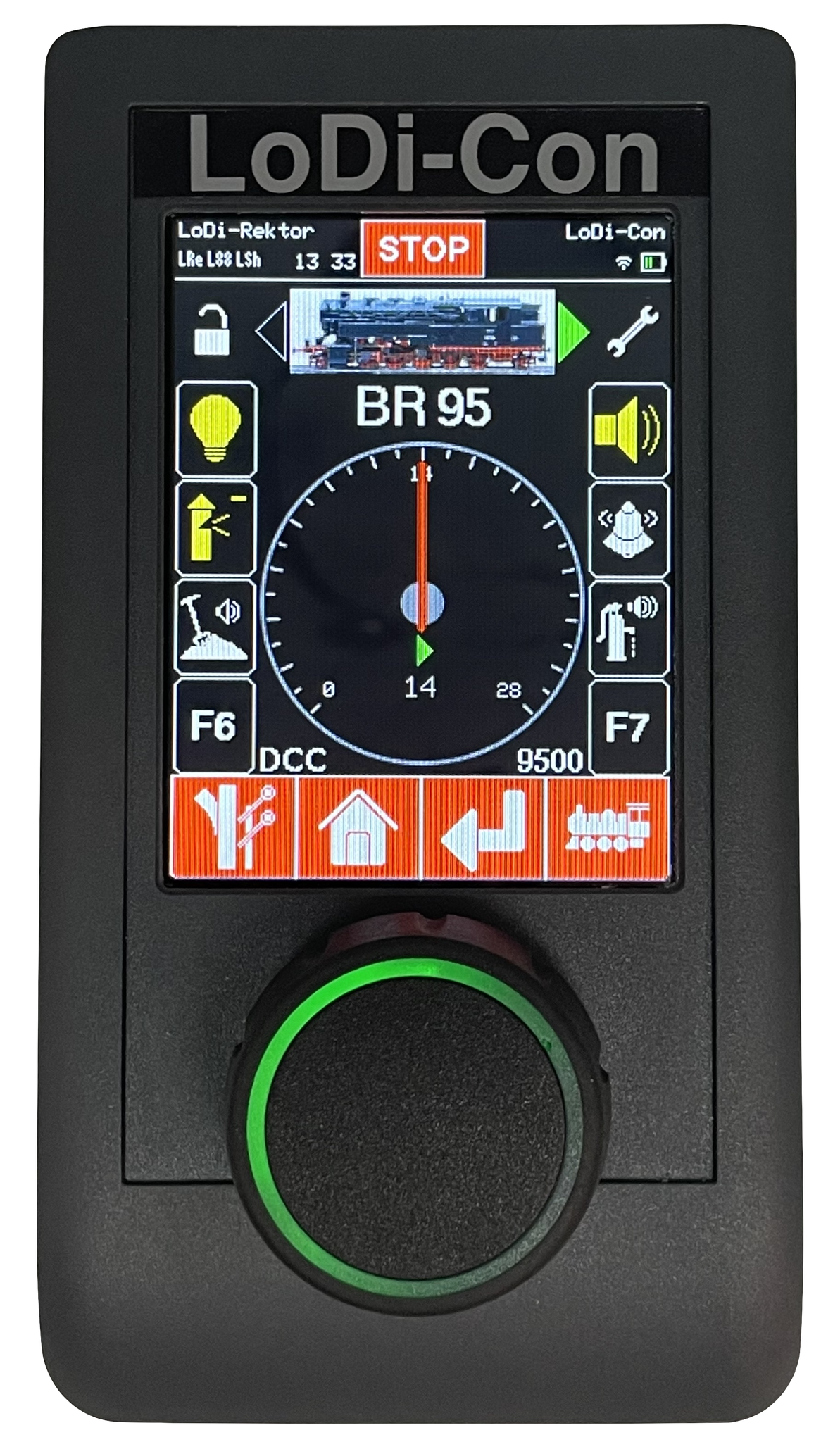
Whichever way round you hold the LoDi-Con, the screen turns with it. Thanks to a built-in orientation sensor the LoDi-Con knows how you are holding it — and it learns your habits, so it will not flip the display the moment you tilt the device.
Auto-rotation can of course also be switched off, or locked to one orientation.
Videos say more than a thousand words, but a short guide to the individual functions is of course here as well. The deeper details are in the videos. In future we will collect every video about the device behind this link.
The LoDi-Con and its variants
Important!!!
From 12 December 2024 the LoDi-Con B is no longer available; only the LoDi-Con A variant is offered.
Since LoDi-Con B units are out there, we keep covering it in this description.
For the details of the individual variants, click the LoDi-Con variant below.
In short:
The LoDi-Con A (black knob) = the battery-pack variant, with the pack already built in. The LoDi-Con A has a USB-C connector for charging it.
The LoDi-Con B (grey knob) = the battery variant, taking 3 × AAA batteries or rechargeable cells in the back.
Operating the LoDi-Con
Contents
The LoDi-Con does quite a lot. We have therefore tried to describe everything as precisely as possible, and in as much detail as necessary, to explain its functions to you. Click whichever point you want to set up.
1. First start / connecting to Wi-Fi
2. Setting up command stations
3. Setting up a locomotive / driving
4. Multiple traction
5. Throwing turnouts and signals
6. Creating routes
7. Showing feedback
8. Device settings
9. Building a track diagram
10. CV programming
11. Club mode
12. Online database
13. Firmware update
14. Technical data
15. Properties in the LoDi-ProgrammerFX
16. Creating your own locomotive images
17. Download the LoDi-Con as a PDF
Here you can download a summary of the LoDi-Con hardware and software as a PDF file.

Would you like to see the quality of the devices for yourself?
Get in touch with us HERE!
Visit our forum, where experienced users are happy to help you.
In this section
- The LoDi-Con A
The features and controls of the A variant of the LoDi-Con.
- The LoDi-Con B
The features and controls of the B variant of the LoDi-Con.
- First start and Wi-Fi
Starting the LoDi-Con for the first time and connecting it to Wi-Fi.
- Setting up command stations
Adding a command station in the LoDi-Con — with a guide for each supported station.
- Setting up locomotives and driving
Adding locomotives, assigning functions and driving with the rotary control.
- Multiple traction
Combining two or more locomotives into one consist and driving them together.
- Turnouts and accessories
Adding and operating turnouts, signals and accessories in the LoDi-Con.
- Routes
Combining several switching commands into one route and triggering it at the push of a button.
- Showing feedback
Using the feedback monitor to see occupied sections right on the handheld.
- Device settings
Display, language, network and everything else the LoDi-Con lets you set.
- Building track plans
Building a track diagram in the LoDi-Con and switching from it.
- CV programming
Programming decoders in plain language — on the programming track and on the main (PoM).
- Club mode
Locking functions and running several handhelds on one layout.
- Online database
Taking locomotive data and images from the online database.
- Firmware update
Bringing the LoDi-Con up to date.
- Technical data
Dimensions, display, battery and radio characteristics of the LoDi-Con.
- Creating loco images
Producing your own locomotive images in the right format and getting them onto the LoDi-Con.
- Open source components
The free components inside the LoDi-Con and their licences.