
Software
Linux
Here we describe in a few short steps how to install, update and start the LoDi-ProgrammerFX on your computer.
To use the LoDi-ProgrammerFX you need a 64-bit computer with Java 14.x or newer already installed.
1. Download and installation
Click the "Download LoDi-Start-Installer-Linux" button below to download the current version of the installer.
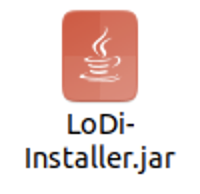

After the download, open the file LoDi-Installer-Linux; the setup assistant starts.
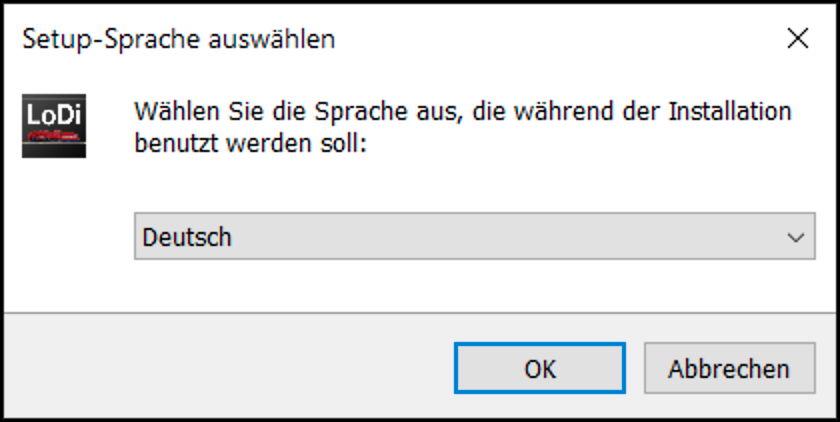
First choose the language, then the setup assistant starts.
Follow the instructions in the assistant until the software is installed.

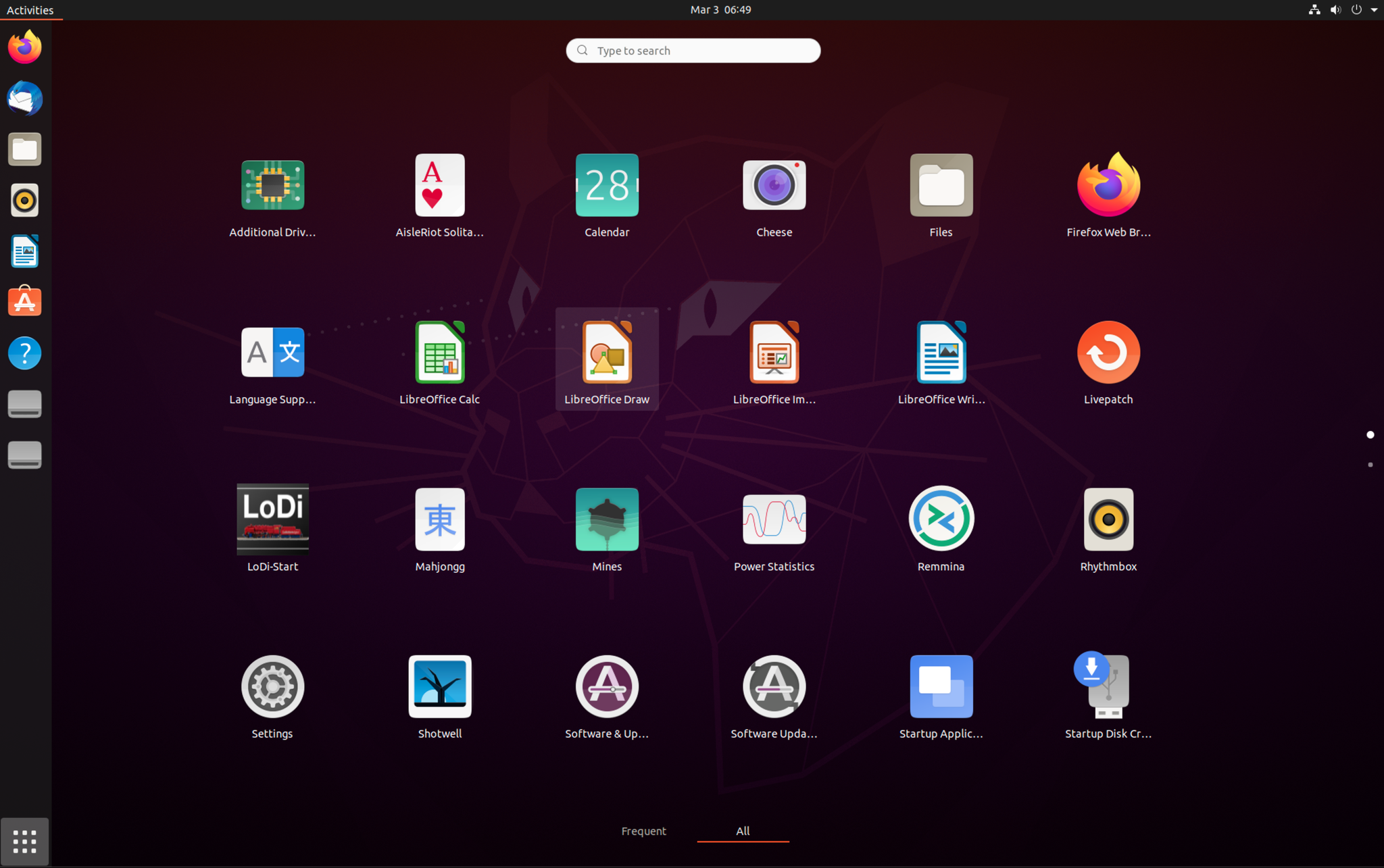
Once the assistant has finished, the start icon appears among the applications.
2. Starting and updating
Double-clicking the LoDi-Start icon now starts the update program. On every start it checks whether a new version of the Programmer or new firmware for one or more parts of the LoDi system is available, and downloads it automatically.
If your model railway computer has no internet connection, we offer an offline package in which every update is published.

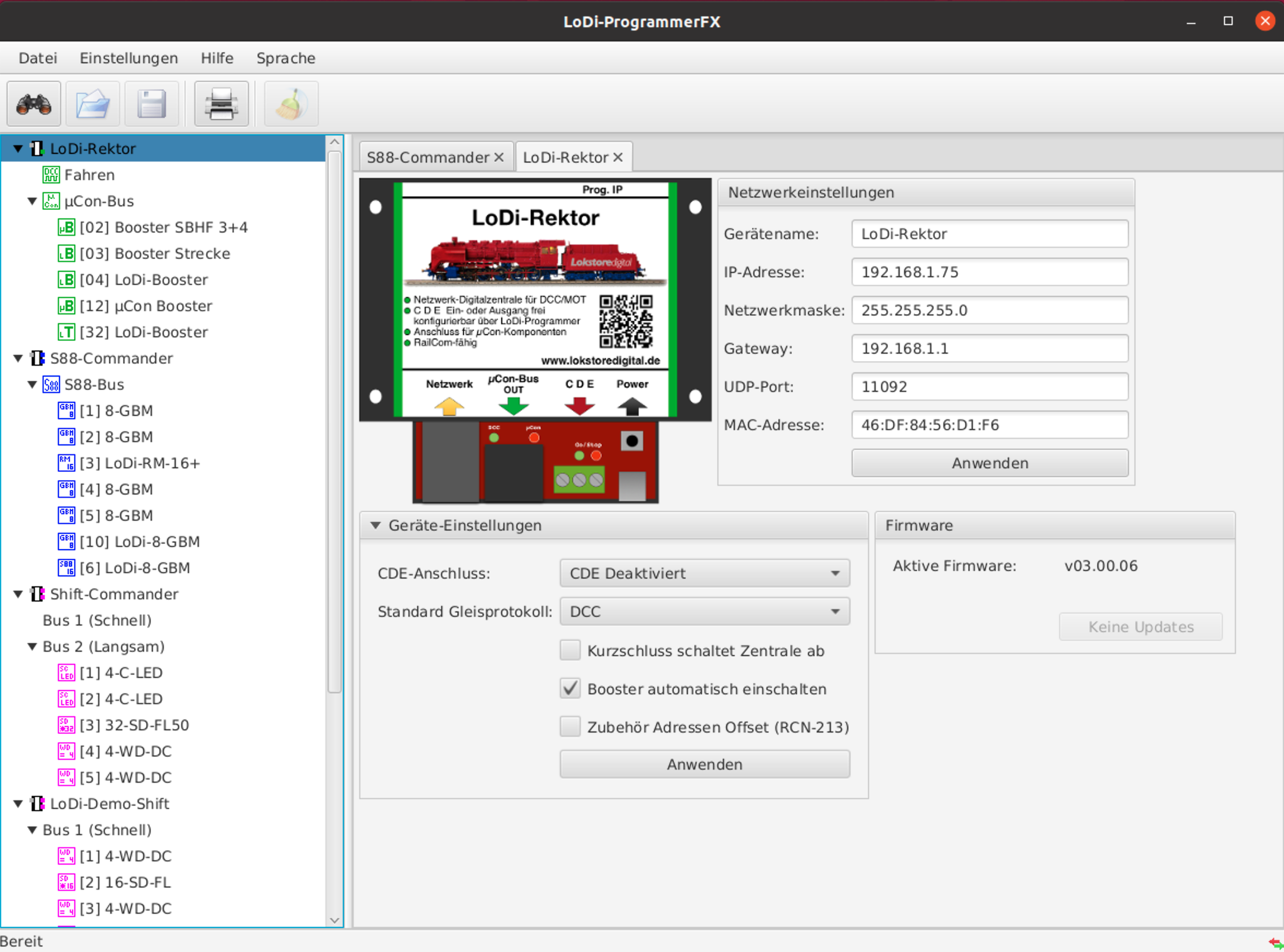
The LoDi-ProgrammerFX now starts.
You can have the release notes shown to you directly in the LoDi-ProgrammerFX.
3. Offline updates
In progress…


Any questions left?
Would you simply like to ask us in person?
Get in touch with us HERE!
Or head to our forum, where experienced users are glad to help you.