
Software
Windows
Here we describe in a few short steps how to install, update and start the LoDi-ProgrammerFX on your computer.
To use the LoDi-ProgrammerFX you need a 64-bit Windows computer.
For the best experience we recommend Windows 10 64-bit or newer.
1. Download and installation
Click the "Download LoDi-Start-Installer" button to download the current version of the installer. You may have to confirm that you want to run the file anyway.

After the download, open the file LoDi-Installer.exe; the setup assistant starts.
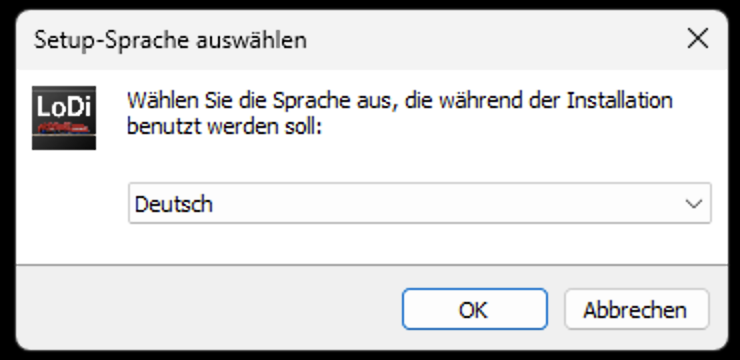
First choose the language, then the setup assistant starts.
Follow the instructions until the software is installed.

When the assistant has finished, an icon is placed on the desktop: the LoDi-Start icon.
2. Starting and updating
Double-clicking the LoDi-Start icon now starts the LoDi-ProgrammerFX directly.
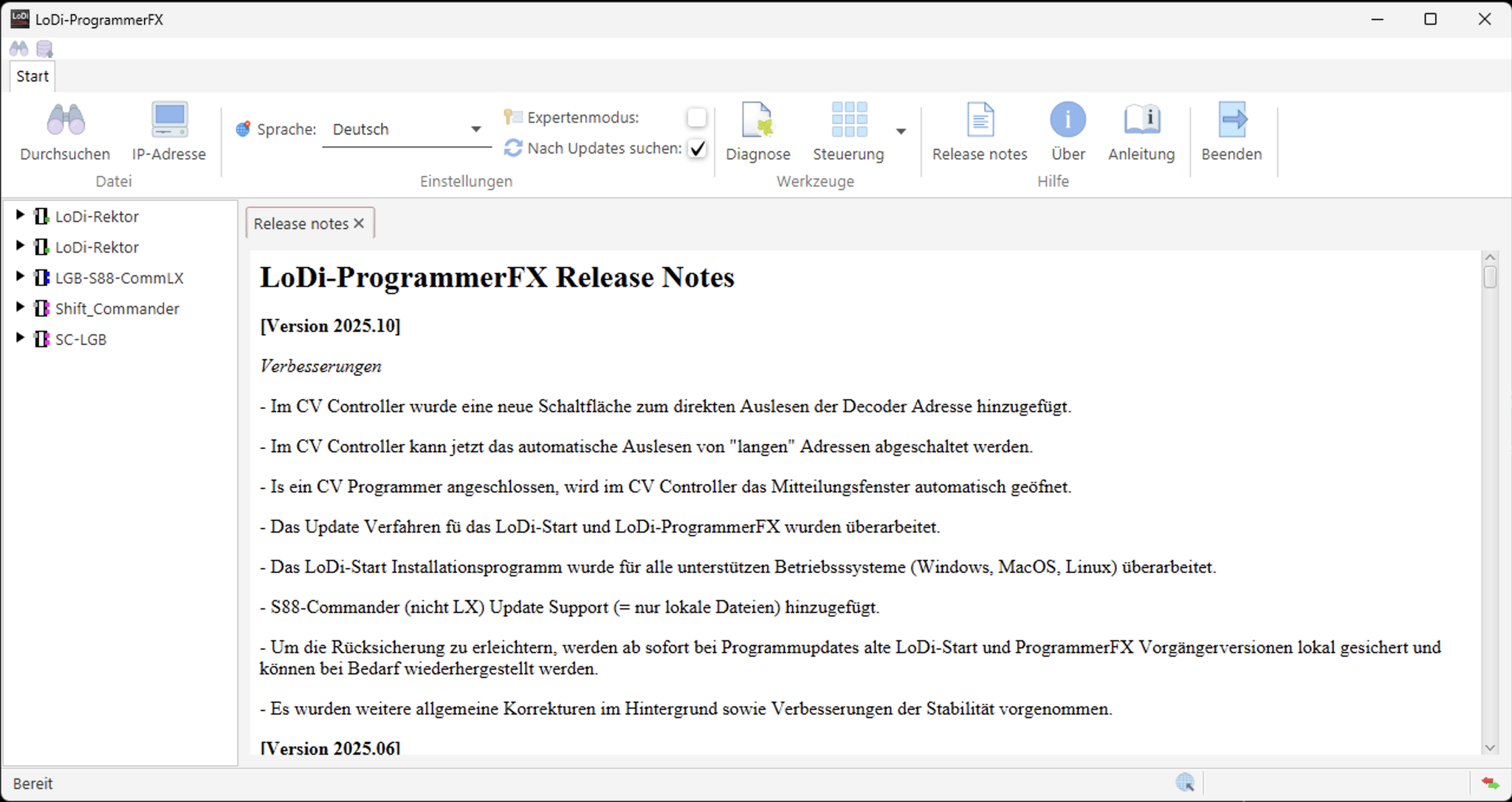
We have reworked the update procedure: updates used to be fetched through LoDi-Start — since version 2025.10 this happens in the LoDi-ProgrammerFX itself.
There you can install updates or, where we have released them, restore earlier versions.
Here is how you stay up to date from now on:
If your PC is online, the available update is now shown
in the LoDi-ProgrammerFX itself.
Clicking the update symbol opens a new dialog in which a drop-down shows you the new version and lets you start the update.
Once the update is finished, the LoDi-ProgrammerFX closes automatically and reopens with the new version.

3. Offline updates
in progress…


Would you like to see the quality of the devices for yourself?
Get in touch with us HERE!
Visit our forum, where experienced users are happy to help you.